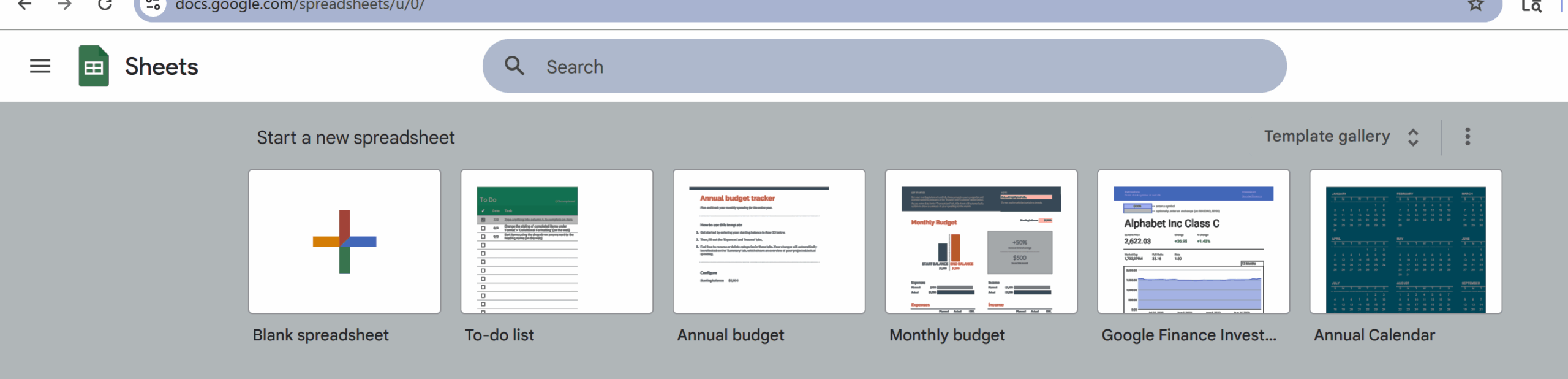
Google Sheets have been a lifesaver for me … especially when I’ve had to create spreadsheets. (Can you tell I’m not a fan of Microsoft Excel?)
I’m not sure when I was first introduced to Google Sheets, but I think it was probably the summer of 2022 — when I started working with a client who gave me a new task list each week in a Google Sheet.
Carolyn showed me how to complete the fields she had set up … so she could see when each task was completed and sometimes add to the list during the week.
Once I realized how simple Google Sheets were to use … and that it was basically Google’s version of Microsoft Excel (and SO MUCH SIMPLER than Excel), I started using that tool for a lot of other things, too.
During a recent 31-day challenge I participated in (#EveryDayInMay – inspired by Bonnie Caton Fanning), I used a Sheet to keep track of my daily posts on LinkedIn.
It helped me stay on track and made it easy for me to move topics around (which I did a few times).
I’ve already thought of a few other lists I can use Sheets for.
ANOTHER PERK: I can access my Sheets from anywhere — from home, my office, the library … using either my laptop OR my phone.